Help a candidate: lost PIN, late candidate
A candidate lost their slip or forgot their number or PIN, or is not on the list.
In short
- 1Find the candidate
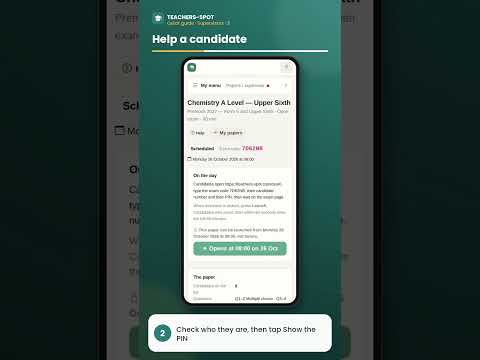
- 2Check identity
- 3Show the PIN
- 4Print the slip
Step by step
- On your paper, type the candidate's name or number under A candidate lost or forgot their number or PIN, then Find.
- Check their identity, then press Show the PIN, or Slip to print their slip again.
- Each paper has its own PIN: the PIN of another paper does not work.
- Not on the list? With the organiser's agreement, fill in A candidate who is not on the list: they get a number and a PIN at once.
Good to know
- Every PIN shown and slip printed is recorded for the organiser.
Video
The video loads only when you press play, so no data is used before.